Users and access
A person holds a role in each group. Super admins are global. One person can be a Group Admin of one group, a Viewer of three and an MCP User of two more.
| Role | May |
|---|---|
| Super admin | Everything: users, groups, zones, sizes, API keys, backups, audit, config, the OAuth clients, the service-account rules |
| Group admin (per group) | Environments, deploys, worker counts, secrets, MCP keys, IP rules, throttles, rebalance, the group's members below admin, requests for its zones' identities, the group's restrictions |
| Viewer (per group) | Read: the repo, load, packages, deploy jobs and logs. Not the Secrets page |
| MCP user (per group) | Sign in and approve an OAuth MCP client for a zone of the group. One page in the console, and /api/v1/me. Nothing else |
Group admins cannot approve their own permission requests, grant a role above their own, or see other groups. A person with no membership anywhere sees only their own account page.
The Users page
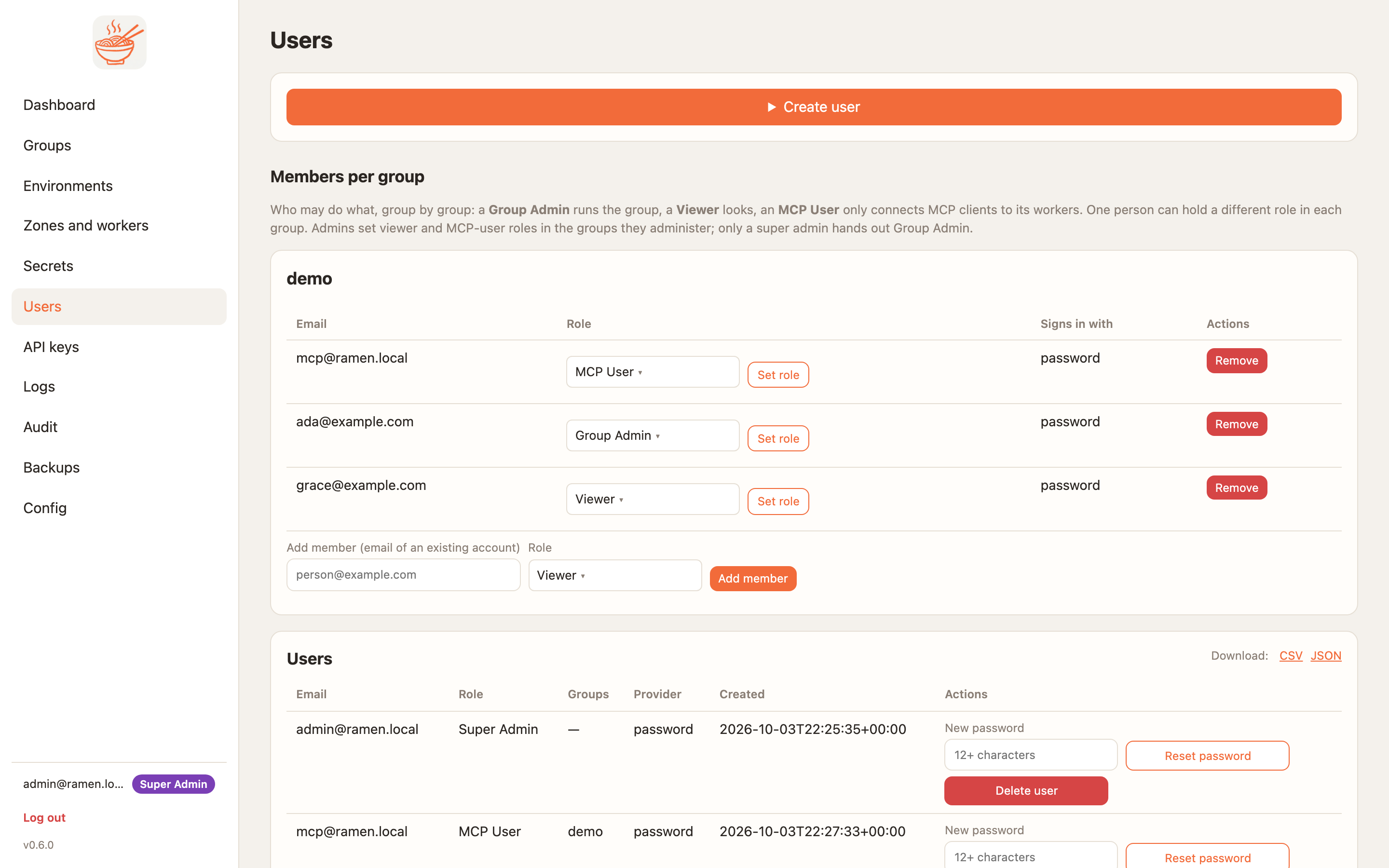
One member table per group with a role dropdown, Remove and Add member by email, then the account table
and the pending permission requests. Super admins create accounts with a password; group admins add existing
accounts to their groups and reset their members' passwords. Accounts that sign in through an identity provider
show Signs in through
Passwords need twelve characters with four character classes. Failed sign-ins are rate-limited per address and audited.
How a person signs in
Password and magic link are on by default. A super admin can add Microsoft Entra ID or Google Workspace on the
Config page and map claim values to roles per group; see Entra ID and Workspace. Disabling password
login needs another way in first, or the break-glass RAMEN_ADMIN_FORCE_PASSWORD=1.
Every role, group and password change bumps the person's session epoch. Open sessions and refresh tokens end at once. There is no window where an open tab keeps a permission it just lost.
What an MCP user gets
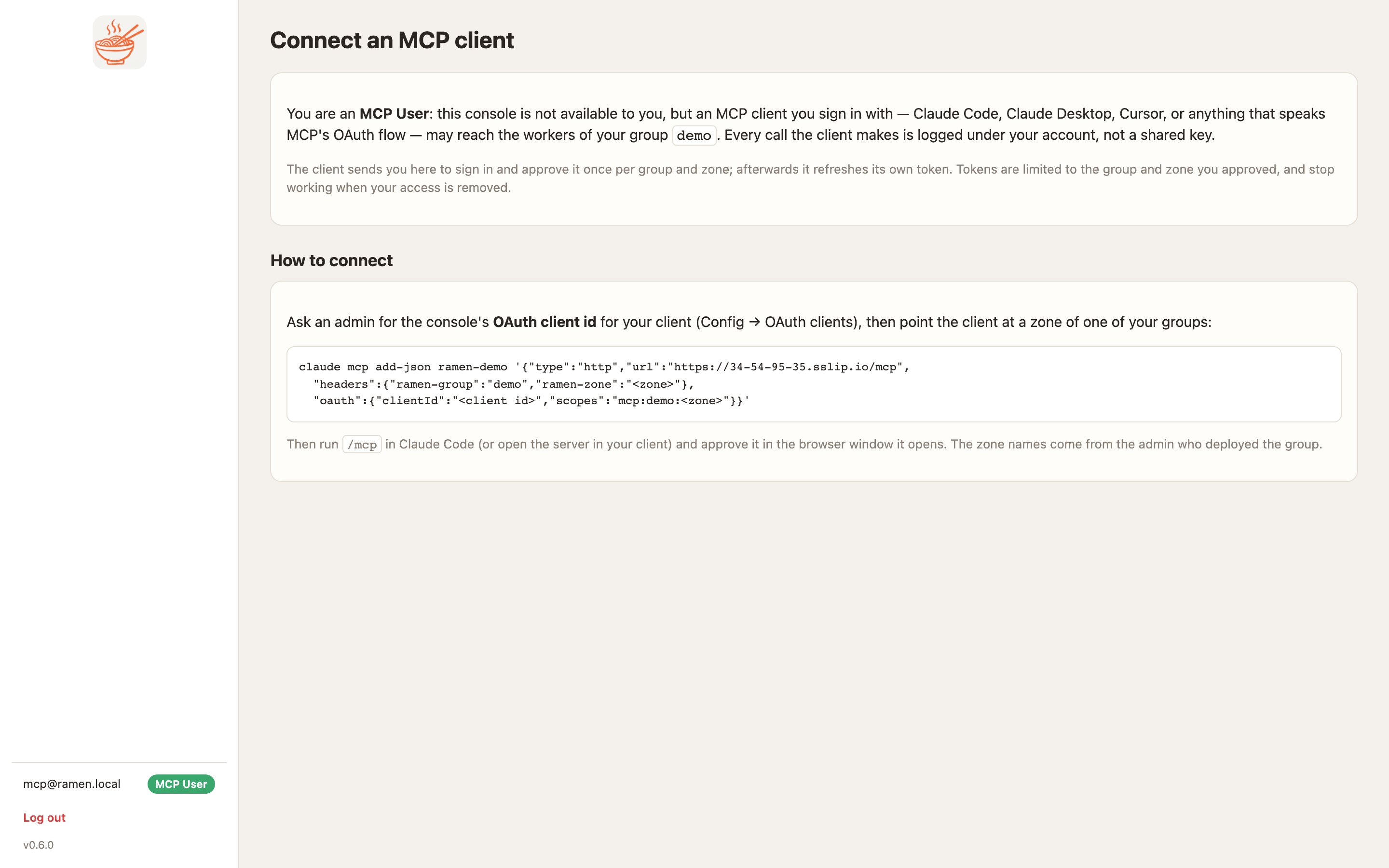
An MCP user who signs in sees one page: which groups they may connect to and how. Claude Code, Claude Desktop, Cursor and the bridge send them to the console to sign in and approve the client once per group and zone. Every call is logged under their account. Connect with OAuth and connect with a password show both sides.
Service-account permissions
Each zone's workers run as their own cloud identity: a GCP service account with Workload Identity, an AWS IAM role with IRSA. It starts with the least it needs: read the group's prefix of the bucket and the group's secrets. Everything more is requested and approved.
- A super admin sets the rules on the Config page:
deny kms.*style rules that gate what anyone may request. Deny wins; when allow rules exist a permission must match one. A group admin can add stricter restrictions on the group page. - A group admin requests on the group page: a zone, a permission from the catalogue and a scope. Empty
or
*means the group's own area. Named buckets or secrets bind the permission to those alone. - Another admin of the group, or a super admin, approves. The console binds the cloud roles and records the permission and its scope on the zone.
- Revoke on the badge takes it back and unbinds exactly what was bound.
bucket.readandsecrets.readkeep the baseline the worker needs to load its own code.
| Permission | GCP | AWS |
|---|---|---|
bucket.read, bucket.write |
roles/storage.objectViewer or objectUser on the group prefix or the named buckets |
s3:GetObject, ListBucket or PutObject, DeleteObject on the prefix or the named buckets |
secrets.read |
secretAccessor on the group's secrets or the named ones |
GetSecretValue on the group's path or the named secrets |
logs.write, metrics.write, pubsub.publish, queue.consume, datastore.user, kms.decrypt, ai.user |
project-wide roles; need console_project_iam = true in Terraform |
account-wide actions on the role's inline policy |
Every request, approval and revoke is audited with the user, group and permission as tags.
Audit and logs
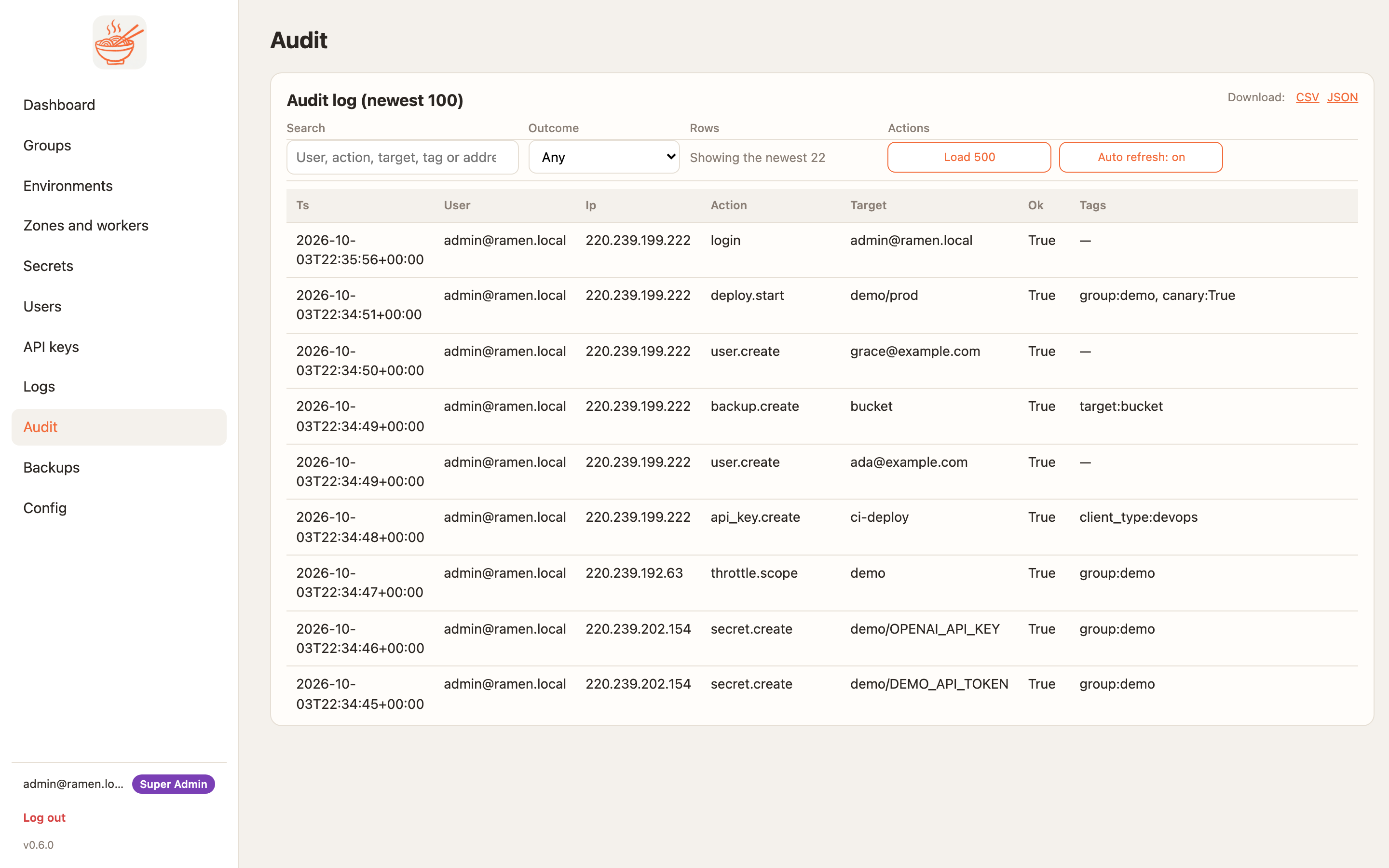
Audit (super admins) keeps every console action with the user, address, outcome and tags, failed sign-ins included. The newest hundred are on the page with a search box and an outcome filter; CSV and JSON downloads give the whole log.
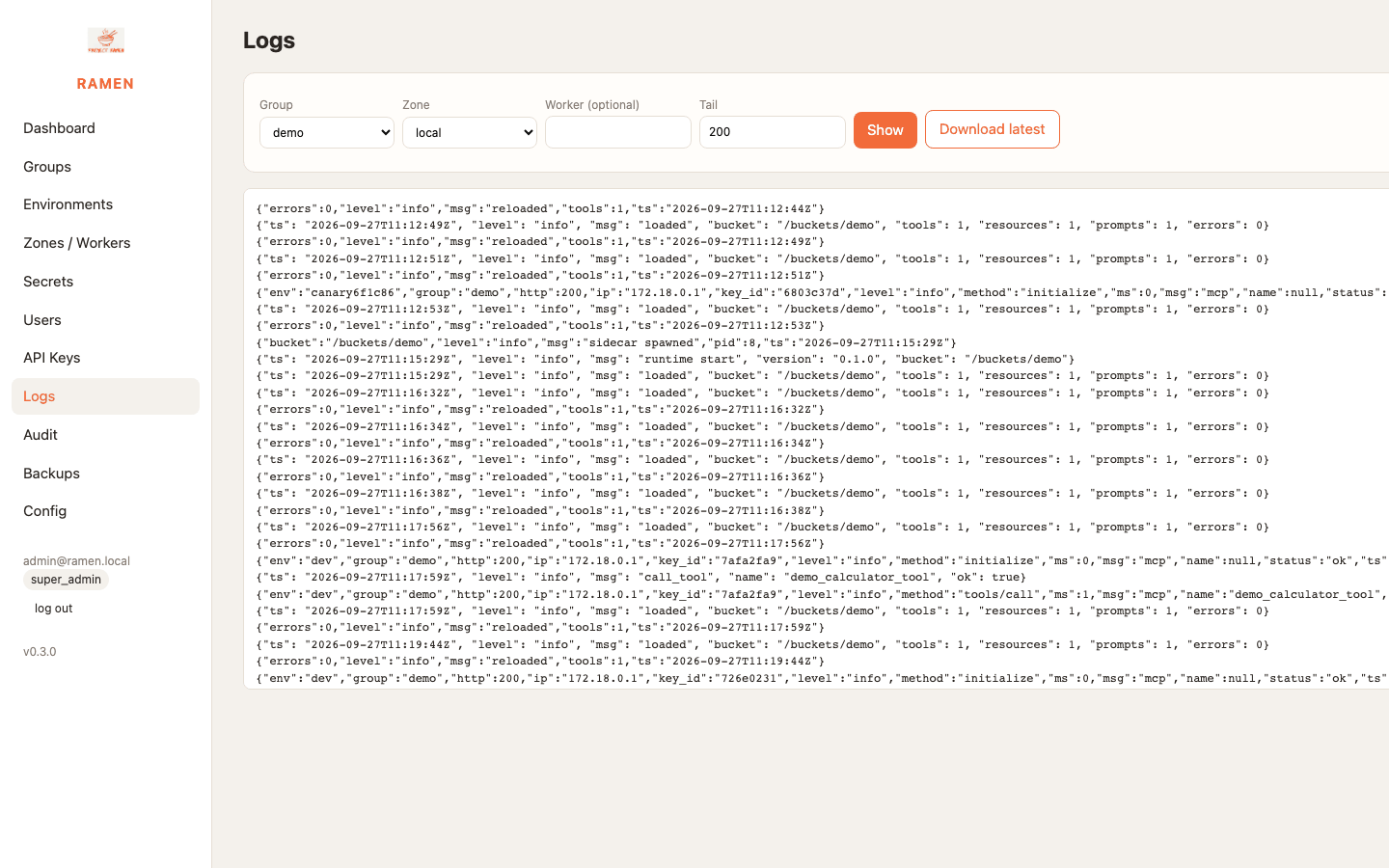
Logs shows each worker's access log: one JSON line per MCP call with the time, address, method, tool name,
status and the key id or user:<id>. Entries are newest first on the left and the selected one opens on the
right. In the cloud it reads Cloud Logging or CloudWatch. The verbose flag on an environment logs full request and
response bodies; turn it on only while debugging.