Connect a client with a password account
A password account connects through exactly the same OAuth flow as any other sign-in, because the client never sees the password. The authorize request lands on the console's login page, the person types their email and password, and the login page returns them to the consent page. There is nothing to configure for it.
So this page covers only what is different: the account itself. The client commands are in Connect a client with OAuth.
The account
- A super admin creates it on the Users page with an email and a password, or a group admin adds an existing account to their group. The role MCP User in the group is enough to connect a client.
- The person signs in once at
https://<edge>/to check their access. An MCP user sees a single page there: the groups they may connect to, and the exact client command for one of them. - There is no password form on that page. To change the initial password they use Forgot your password? on the sign-in page, or an admin resets it on the Users page.
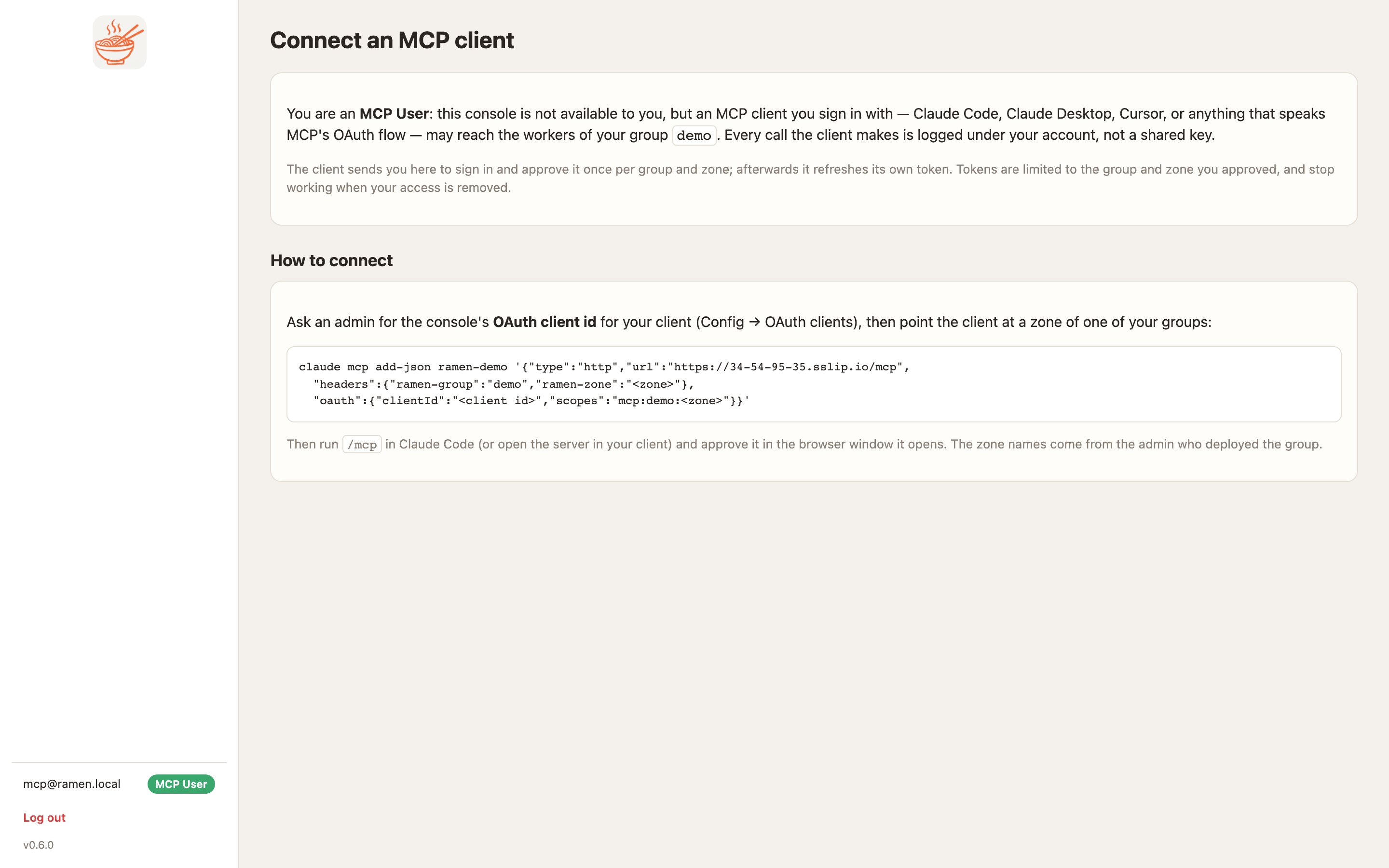
Then connect
Follow What the person does with the client id an admin gives them. The browser step shows the console's own login page rather than an identity provider's, and that is the only visible difference.
Every call the client makes is logged as user:<id>, never as a key id. Removing the person from the group, or
disabling the account, ends their tokens at once.